
Fast Help:
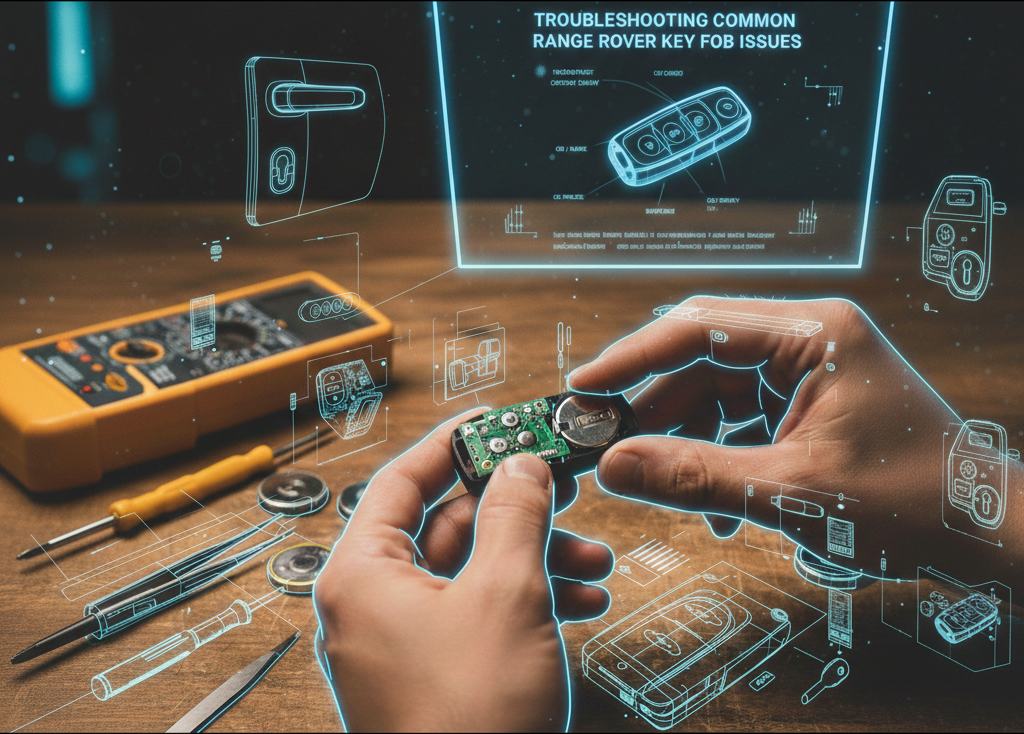
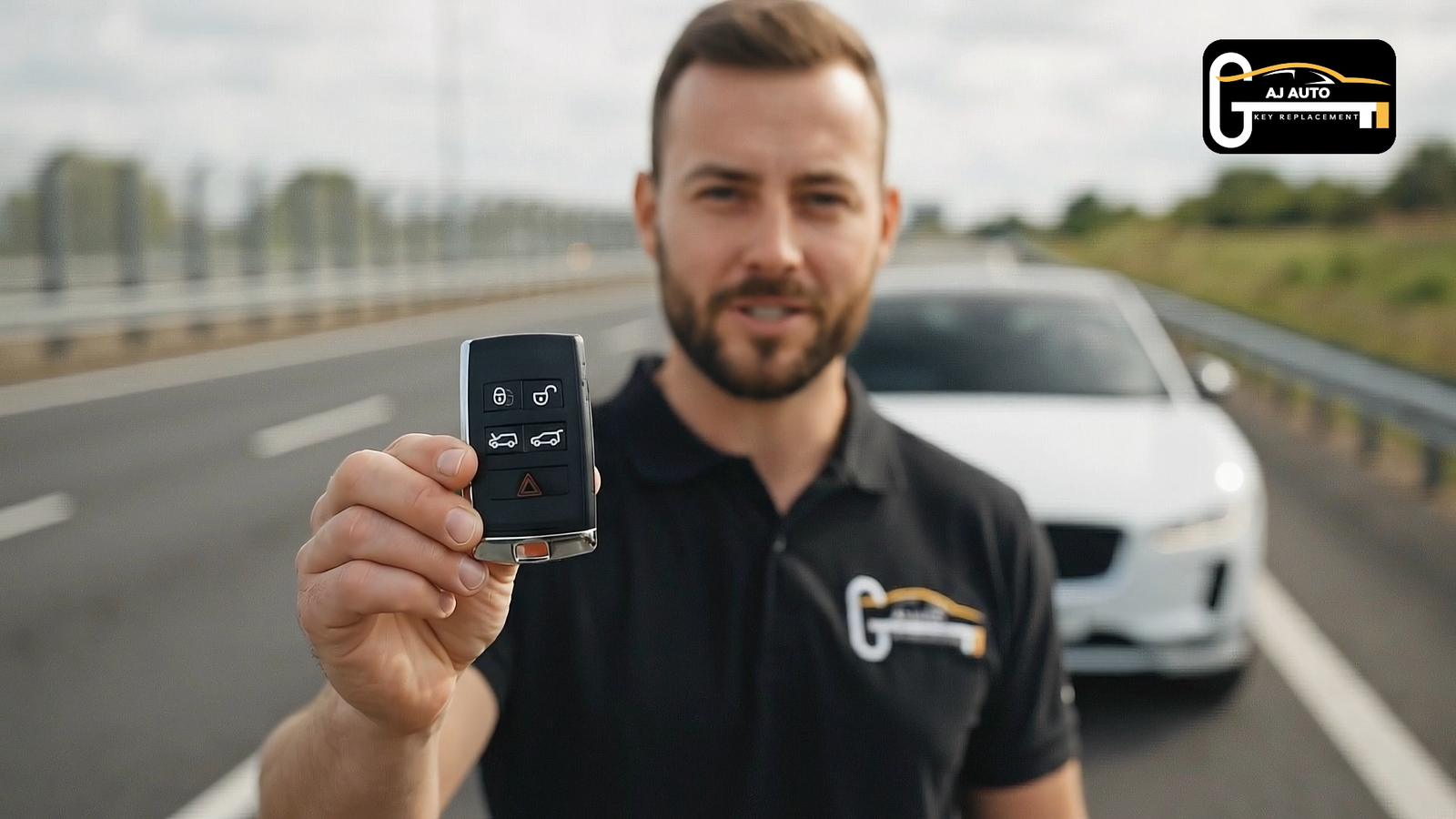
Being stranded with a Range Rover that won’t respond is a frustrating moment, but before you call for a recovery service, know that the fix is likely already in your hand. Most of the time, the reason your key fob has stopped working is surprisingly simple. Common service reports show the vast majority of Land Rover smart key problems are caused by either a weak battery a fix that costs less than a cup of coffee or minor electronic signal interference. This quick guide to Troubleshooting Common Range Rover Key Fob Issues highlights simple checks, like verifying the battery for Land Rover key and reducing possible interference. Whether you carry a Land Rover key for an Evoque, Sport, or another model, the basic steps are the same across the lineup.
This guide provides a quick triage plan, showing you how to get into your car and start the engine immediately, even with a seemingly dead fob. We will then walk through the simple, step-by-step solutions to get you back on the road in minutes.
Most Range Rover key fob issues stem from a weak CR2032 battery (often called the Range Rover key fob battery or Range Rover key battery) or minor signal interference. If the fob is unresponsive, use the hidden metal key to enter and start the vehicle by holding the fob to the steering column and pressing START/STOP with the brake applied. Replace the battery in minutes changing battery in Range Rover key fob is a quick DIY fix; if problems persist, try moving away from interference and resync the fob. For water damage, remove the battery and dry thoroughly; if the fob still fails or is physically damaged, seek professional help, noting replacements can cost £300–£700+.
If you’re standing outside your Range Rover and the key fob is completely unresponsive, there’s a built-in backup plan. Inside your fob is a physical metal key blade. To release it, press the small button on the side of the fob and slide the chrome section away. Next, look at the driver’s door handle; you’ll see a small, square cover on the end piece. Use the tip of the key blade to gently prise this cap off from the bottom, revealing the hidden, traditional lock.
Once inside, you will likely see a “Smart Key Not Found” message on your dashboard. Your Range Rover has an emergency start location that can read the key’s internal chip even with a dead battery. To start the engine:
This emergency start is a clear sign that the fob’s battery is the most likely culprit, which leads to a simple five-minute fix. If you have a Range Rover spare key, keep it stored separately to avoid being locked out in the future.
That emergency start procedure is a classic symptom of a dead key fob battery. The good news is that this is an easy and inexpensive problem to solve yourself. Your Range Rover key fob uses a common CR2032 coin battery, which you can find at most supermarkets, chemists, or online. A fresh battery resolves the majority of key fob issues, from poor range to complete unresponsiveness. You can replace Land Rover key battery or change Range Rover key battery yourself with the steps below; the process is identical for the Range Rover Evoque key battery.
Replacing the battery is straightforward and requires no special tools the emergency key you used earlier is perfect for the job.
Once it’s reassembled, stand near your vehicle and test the lock and unlock buttons. If the key fob still doesn’t work, the next step is a simple reset procedure.
If a new battery doesn’t solve the problem, consider your surroundings. Electronic ‘noise’ from radio towers, large power lines, or some security systems can interfere with your key’s signal. The easiest fix is to move your vehicle a few metres or hold the fob directly against the door handle or start button to try again.
If that doesn’t work, your key and vehicle may need to re-establish their digital handshake. To resync your Land Rover key fob, get inside the vehicle and close all the doors. Place your key fob flat against the marked area on the side of the steering column. While holding it there, press and hold the unlock button on your fob as you press the engine Start/Stop button with your foot on the brake.
Your Range Rover should now start, confirming the key and car are successfully resynchronised. If the key remains unresponsive, the issue may be internal hardware damage, often caused by a hard drop or exposure to moisture. This resync method applies to key fob Land Rover models across the lineup.
If your Range Rover key gets wet, from being dropped in a puddle to going through the washing machine, time is critical. Do not press any buttons, as this can send power through the wet circuitry and permanently fry the electronics. Your first step is to open the fob and remove the battery immediately.
With the battery out, focus on drying the internal components. A common method is to place the open fob and its circuit board into a sealed bag filled with uncooked rice, which acts as a desiccant. Silica gel packets work even better. Leave the fob in the sealed bag for at least 24 to 48 hours to dry out completely.
After waiting, insert a fresh battery and reassemble the casing. If the key works, you’ve successfully avoided a costly replacement. If it remains dead, the problem is likely permanent internal corrosion, and it’s time to seek professional help.
You now have the skills to get into your car, start the engine, and diagnose the most common key fob issues yourself, turning a potential crisis into a solvable problem. However, if the steps in this guide didn’t work, your smartest move is to call for professional Land Rover service.
It’s time to make that call if:
Dealers and specialists can handle Range Rover key fob battery replacement if you’d prefer not to change Land Rover key battery yourself. If a full unit is needed, expect higher costs for a replacement key fob for Range Rover Sport or other models. A professional Range Rover key fob replacement can cost £300–£700+, as DIY key programming isn’t possible for modern vehicles due to their complex security systems. Knowing when to fix it yourself and when to call an expert is the key to managing your vehicle effectively.


WhatsApp us !